
From spreadsheets to dashboards: getting started with business intelligence
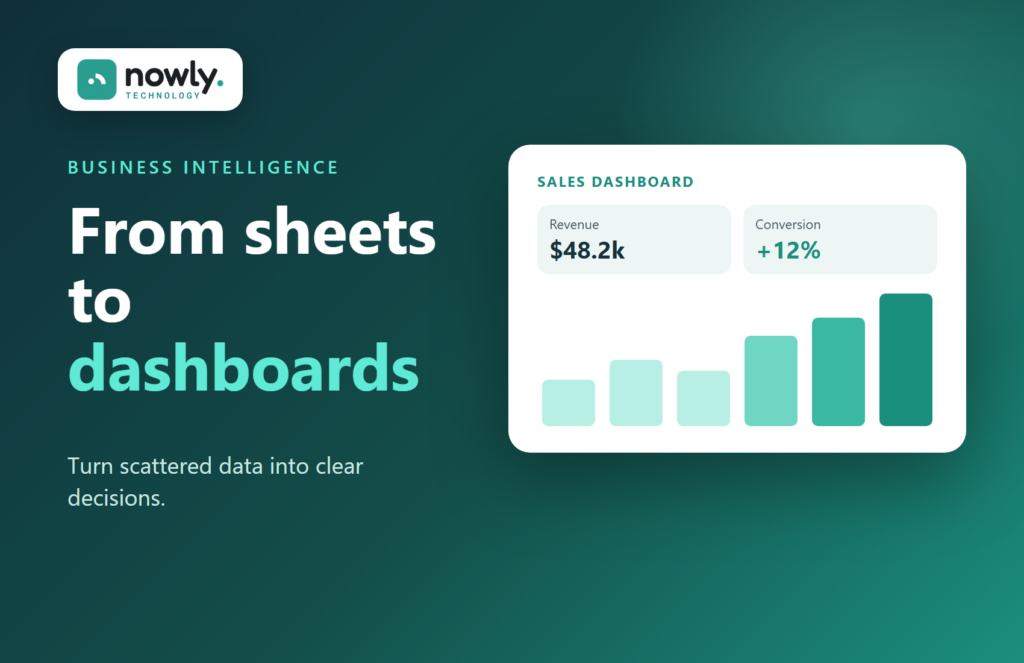
Your business already produces valuable data: sales, website visits, marketing results, stock levels, customer feedback. The problem is usually not a lack of data, but that it is spread across tools and spreadsheets. Business intelligence (BI) brings it together so you can see what is really happening.
What business intelligence gives you
- One view of your key numbers instead of scattered reports
- Real-time dashboards rather than monthly spreadsheets
- KPI tracking and alerts when something changes
- Facts to support decisions on pricing, marketing and stock
Step 1: choose the questions that matter
Start with a few decisions you make often. Which products or services are most profitable? Which marketing channels bring customers? When do we need to reorder? Each question points to the data you need.
Step 2: define your KPIs
Turn those questions into a short list of key performance indicators, such as revenue by channel, conversion rate or average order value. Fewer, well-chosen KPIs are more useful than dozens of charts.
Step 3: connect your data sources
Bring data from your CRM, accounting, online store and analytics tools into one place. Reliable, connected data is the foundation of every good dashboard, which is why BI and integration often go hand in hand.
Step 4: build dashboards people actually use
A good dashboard answers its questions at a glance. Keep it simple, share it with the people who make the decisions and review it regularly.
Step 5: automate reporting
Once your dashboards are in place, automated reports can reach the right people at the right time, so no one has to rebuild the same spreadsheet every week.
Discover how our Data Intelligence services turn your data into clear insights.
Ready to make decisions backed by data? Request your free estimate and we’ll help you choose the right solution.
